
Zodiacs runs in your phone's browser. There is no App Store or Google Play download — nothing to install, and nothing to update.
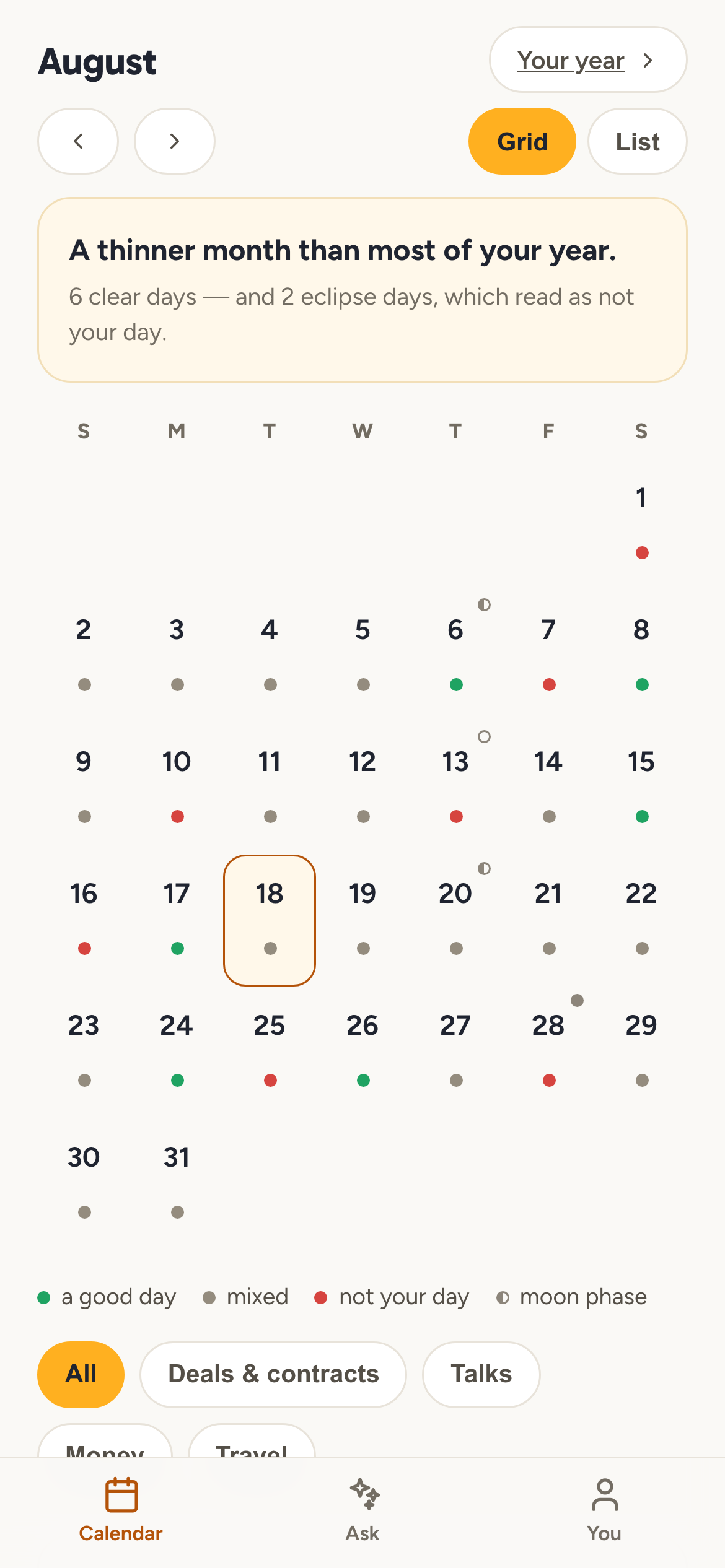
If you want it to feel like an app, add it to your home screen:
iPhone (Safari): open app.zodiacs.ai, tap the share button, then Add to Home Screen.
Android (Chrome): open app.zodiacs.ai, tap the menu, then Add to Home screen or Install app.
It then opens full-screen from its own icon, the same as any other app on the phone.
Your reading lives in that browser's storage on that device, so adding the site to your home screen keeps it exactly where it already was.
Open Zodiacs