
You sign in to Zodiacs with your email address and a password. We do not send sign-in links and there is no one-time code, so if you are waiting for a magic link to arrive, it is not coming — nothing is wrong with your inbox.
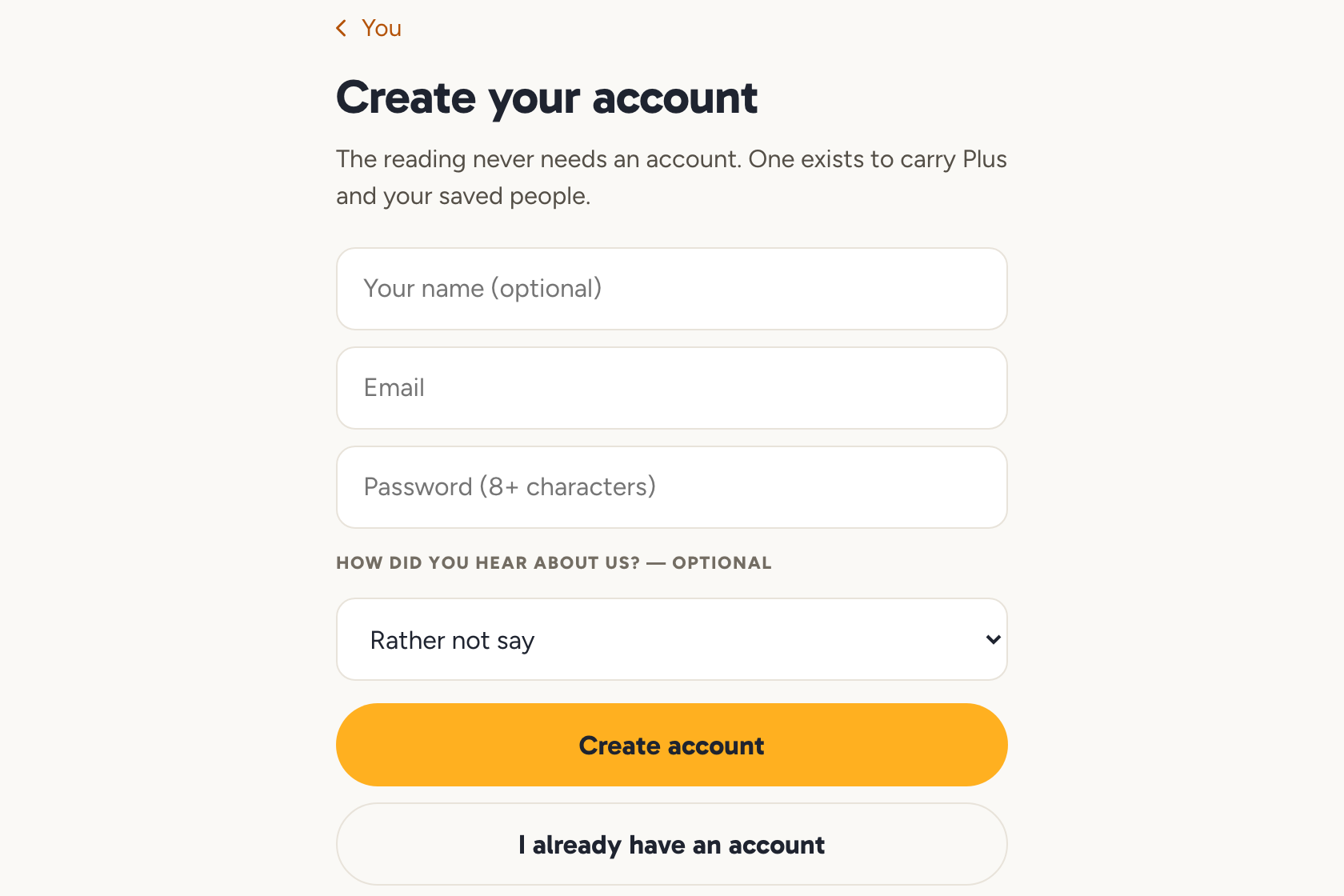
You do not need an account at all to read. One exists to carry Plus and the people you have saved.
"My link says invalid"
Almost always this is a password-reset email. Those links are good for one hour and can only be used once, so an expired or already-used link is the usual cause.
To fix it: open the sign-in screen, choose to reset your password, and open the new email on the same device you want to sign in on.
The other link people run into is a friend-map invite, which looks like app.zodiacs.ai/i/CODE. If that one will not open, you can join by typing the short code by hand instead.
Forgot your password
Use the reset link on the sign-in screen. We will send a fresh email each time you ask, and only the newest one works.
Still stuck
Write to [email protected] from the address on the account and a person will sort it out.
Open your account